
How to Deposit & Withdraw Money from 3 Patti No1
Here is exactly how you put money in and take your winnings out of 3 Patti No1.
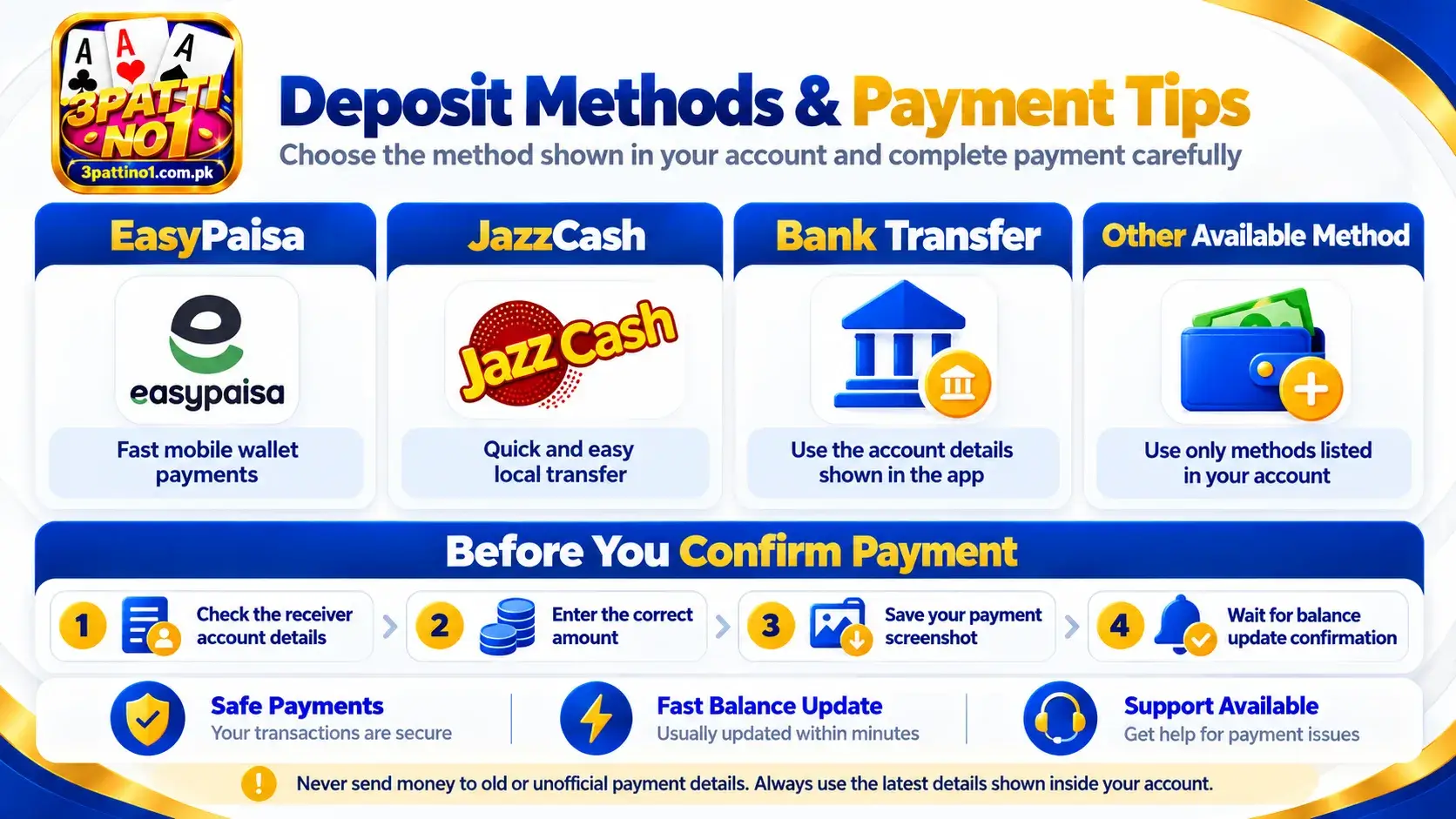
Quick Deposit & Withdrawal Overview
| Action | What You Need | Where to Go |
|---|---|---|
| Deposit | Account + payment method | Wallet → Deposit |
| Withdraw | Balance + verified details | Wallet → Withdraw |
| Check status | Transaction/order ID | Wallet → History |
How to Deposit Money in 3 Patti No1
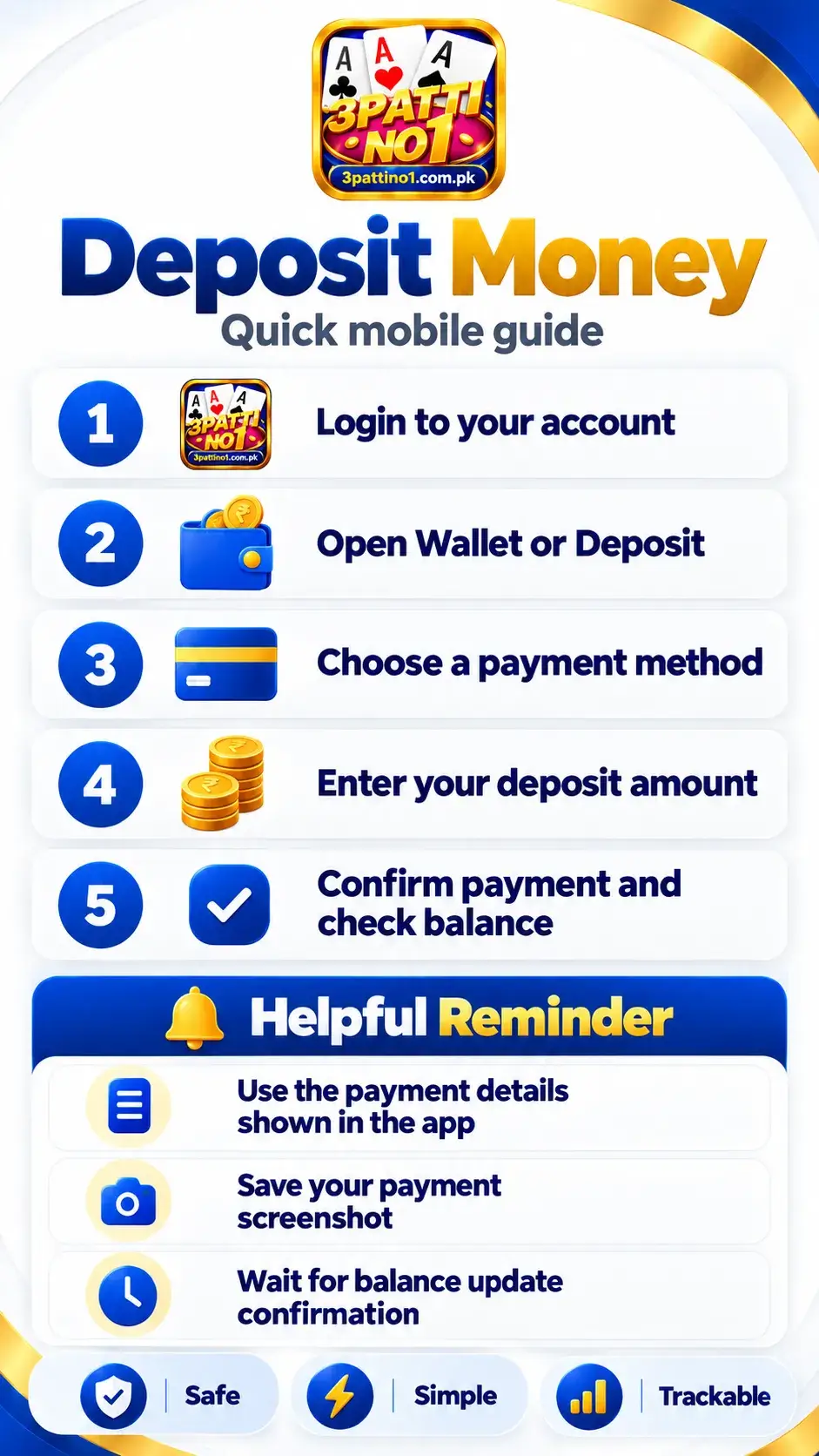
Adding money to your account only takes a minute. We use the local payment apps everyone already has on their phone in Pakistan, like JazzCash and EasyPaisa.
Step 1 – Login to Your 3 Patti No1 Account (or Signup if you are new)
Step 2 – Open the Wallet or Deposit Section
Step 3 – Choose a Payment Method
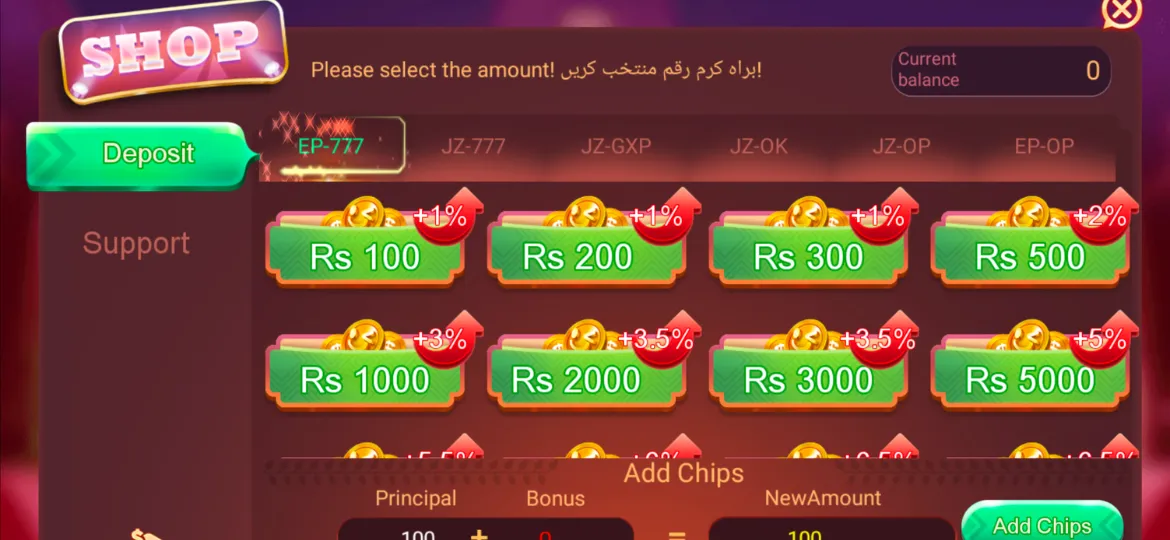
Step 4 – Enter the Deposit Amount
Step 5 – Confirm the Payment
Step 6 – Check Your Updated Game Balance
Important Before You Send Money
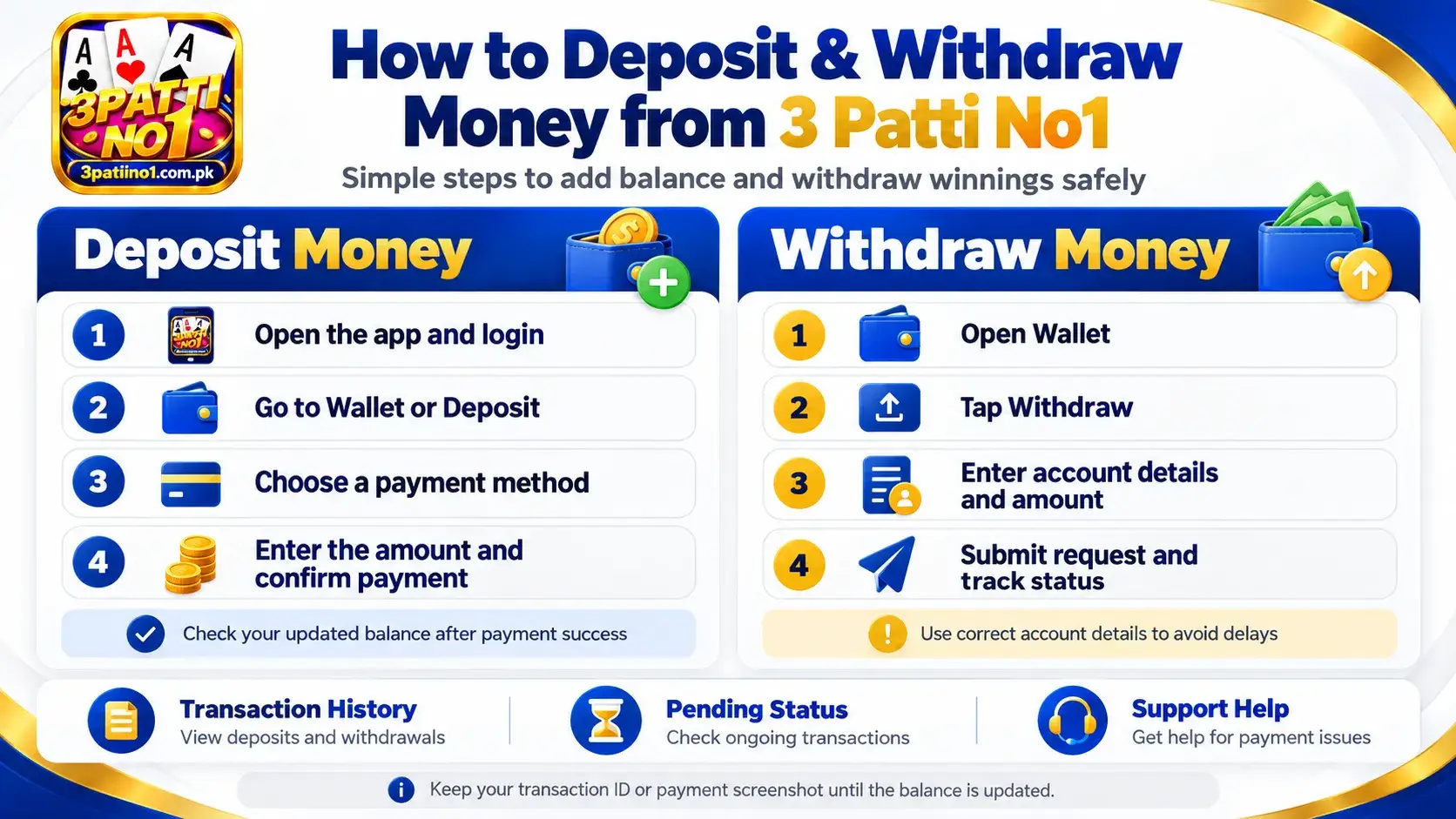
Check the receiver details shown inside the app before paying. Never send money to an old account number saved from an earlier transaction. Keep the transaction ID or payment screenshot until your balance is updated.
Deposit & Withdrawal Limits
| Payment Method | Minimum Deposit | Minimum Withdrawal | Processing Time |
|---|---|---|---|
| EasyPaisa | PKR 100 | PKR 500 | Instant (1-5 mins) |
| JazzCash | PKR 100 | PKR 500 | Instant (1-5 mins) |
How to Withdraw Money from 3 Patti No1
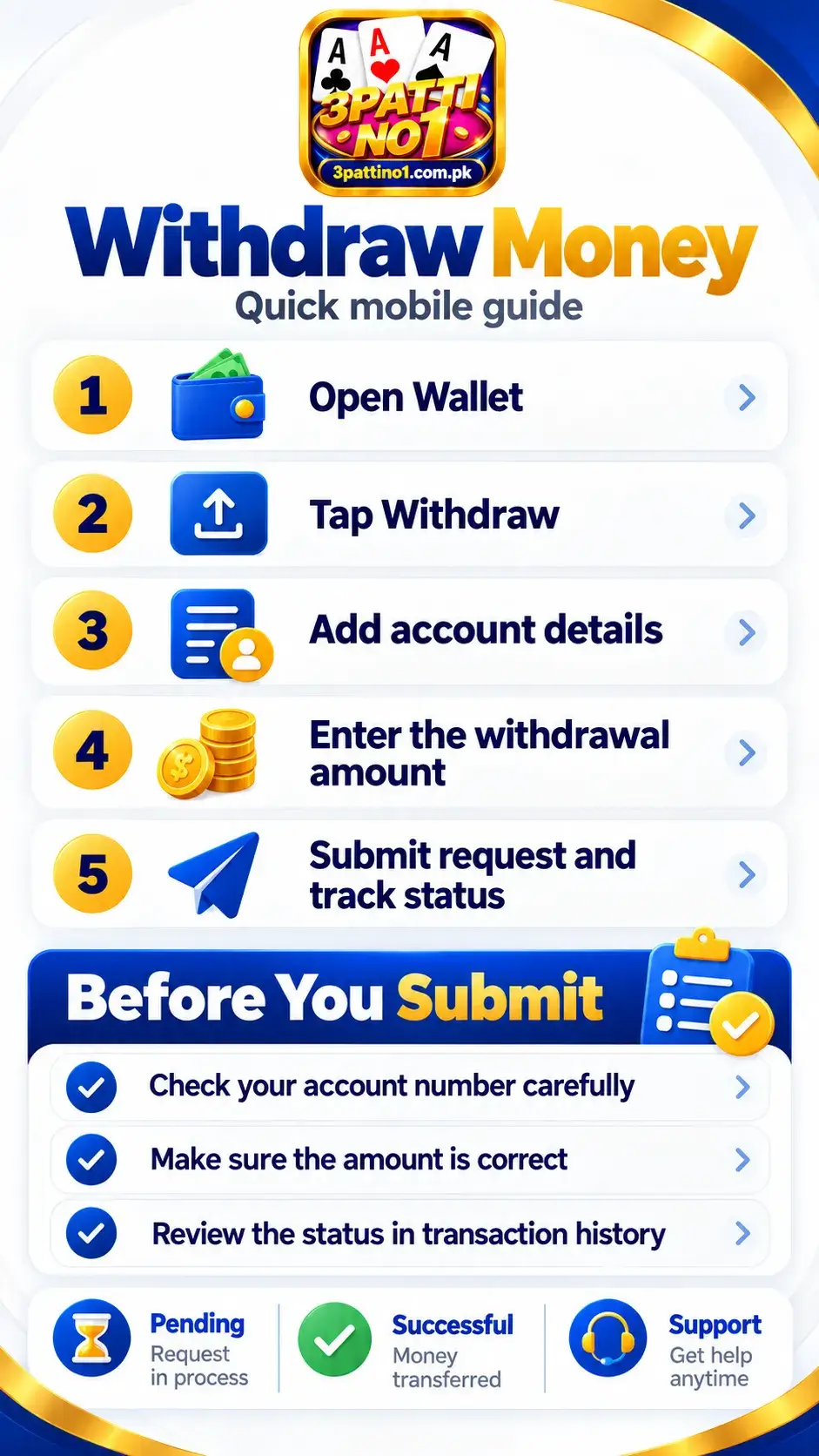
Got some winnings you want to pull out? Here is how to transfer your balance straight to your mobile wallet.
Step 1 – Open Your Wallet
Step 2 – Tap Withdraw
Step 3 – Select Your Withdrawal Method
Step 4 – Enter Account Details
Step 5 – Enter the Amount
Step 6 – Submit the Withdrawal Request
Step 7 – Check Withdrawal Status
Withdrawal Requirements
Before you hit that withdraw button, make sure you meet these basic rules so your money doesn't get stuck:
- Minimum Amount: You need at least PKR 500 in your account before you can cash out.
- Account Verification: Your account must be verified. Make sure your phone number and basic details are filled out in the app.
- Matching Names: The name on your 3 Patti No1 account needs to match the name on your JazzCash, EasyPaisa, or bank account exactly.
- Correct Number: Double-check your wallet number! If you type the wrong JazzCash or EasyPaisa number, your transaction will fail.
- Wagering Requirements: If you claimed a bonus (like a signup or deposit bonus), you must play through it according to the app's rules before you can withdraw the winnings.
How to Check Your Transaction History
Want to see the status of your money? You can check your full record anytime by following this exact path in the app:
3 Patti No1 → Wallet → Transaction History
When you check your history, you will see one of these statuses on your transaction:
- Pending: Your request has been received and is currently in the queue. Just wait for it to process.
- Successful: The money has officially been sent or received successfully.
- Failed: A network issue or bank error stopped the transaction. Any deducted money will bounce back to your wallet or bank automatically.
- Rejected: Our system actively blocked the transaction. This is usually because your names don't match, or you haven't finished a bonus wagering requirement yet.
Deposit or Withdrawal Pending?
Sometimes things get stuck. Here is exactly what to do if you run into an issue with your money:
Deposit completed but balance not showing?
Don't panic. Sometimes the network is a bit slow. Give it 5-10 minutes. If your game balance still hasn't updated, copy your Transaction ID from your payment app and send it to our in-app customer support so they can add it manually.
Withdrawal still pending?
Most withdrawals happen instantly, but during busy hours, it can take up to 24 hours. Just keep an eye on your Wallet History. If it takes longer than a day, reach out to support.
Wrong mobile/account number entered?
If you hit submit with the wrong JazzCash or EasyPaisa number, the transaction will usually fail and the money will bounce back into your game account. But if that number actually exists and the money sends, unfortunately, we cannot reverse it. Always double-check your digits!
Payment deducted but transaction failed?
If your bank or wallet app took the money but the game says "Failed", the money will be reversed to your bank account automatically. This bank reversal usually takes 1 to 3 working days.
Withdrawal rejected?
This almost always happens because your account name doesn't match your payment name, or because you haven't finished the wagering requirements for a bonus you took. Fix those, and try again.
Duplicate transaction error?
If you try to deposit the exact same amount twice in a row very quickly, the system might block it to prevent mistakes. Wait a few minutes or try depositing a slightly different amount.
Where to find your Transaction ID?
In JazzCash, it's the TID on your receipt. In EasyPaisa, it's the Trx ID. In the game, you can find the Order ID by tapping Wallet → History.
Common Deposit & Withdrawal Questions
How long does a 3 Patti No1 deposit take?
Deposits are usually instant but can take up to 5-10 minutes if the network is busy.
How long does a withdrawal take?
Withdrawals are typically processed instantly. During peak times, it may take up to 24 hours.
Why is my withdrawal pending?
Your request is in the queue waiting for our system to process it. Just give it some time.
Can I withdraw to another person's EasyPaisa account?
No. The name on your 3 Patti No1 account must exactly match the name on the EasyPaisa or JazzCash account.
What is the minimum withdrawal amount?
The minimum you can withdraw is PKR 500.
Why was my withdrawal rejected?
Usually, it's because your account names don't match or you haven't finished the wagering rules for a bonus.
Can I cancel a withdrawal request?
Once submitted, you cannot cancel it yourself. If it is rejected by the system, the money will automatically return to your game balance.
Where can I see my transaction history?
Open the app, tap on Wallet, and go to Transaction History.
Still Having a Payment Problem?
If your money is stuck and the time limits above have passed, our support team can manually fix it for you. To speed things up, please have this exact information ready before you contact them:
- Your registered 3 Patti No1 Account ID
- The Transaction ID / Order ID (from JazzCash/EasyPaisa)
- The exact Amount you sent or requested
- The Payment Method you used
- The Date & Time of the transaction
- A clear Screenshot of your payment receipt